
If you’ve worked with large product catalogs, you already know this: Category structure drives everything.
Search, filtering, enrichment, PDP structure, even how AI understands your products.
The challenge is, most systems rely on a one-size-fits-all taxonomy.
And that doesn’t hold up in the real world.
Introducing Custom Categories in Trustana
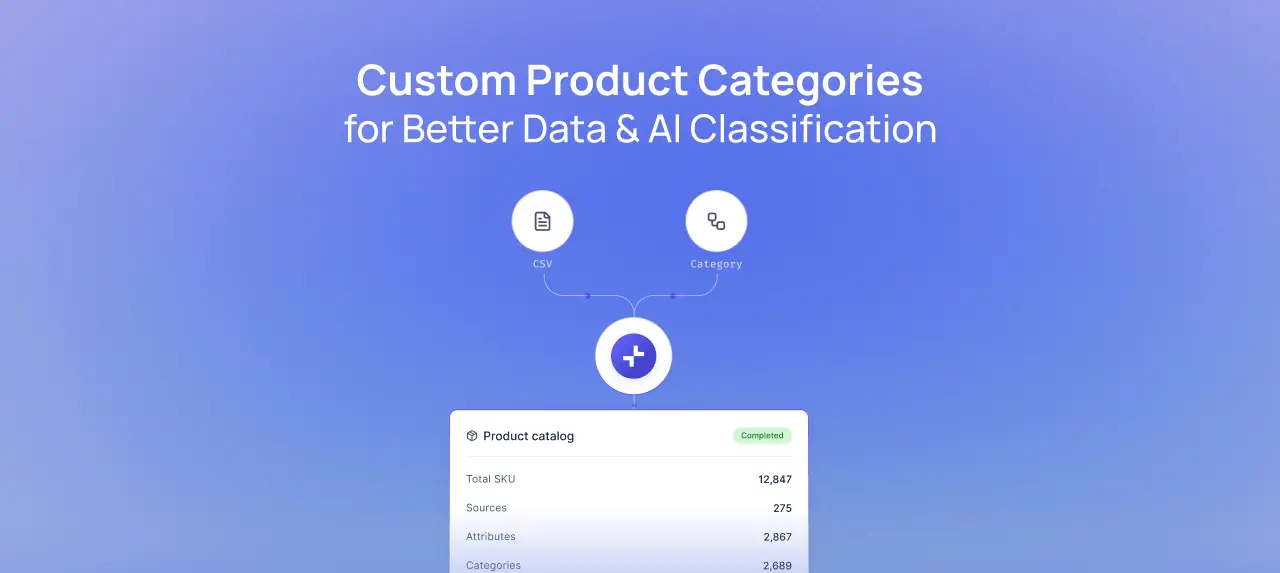
You can now use your own category tree as the foundation for enrichment.
Previously, generic taxonomy was the default and something more compledx businesses had to work around.
Now, you can use your structure, your business logic, and your system for getting the work done in line with brand standards.
Whether your categories come from your ERP, e-commerce platform, or internal processes, you can now bring them directly into Trustana and use them as the primary framework for classification and enrichment.
Why this matters
Most teams we work with don’t operate on a massive, generic category tree.
They have, focused product ranges, defined hierarchies, and specific ways of organizing products that fit their place in the market and unique business approach.
Having to utilize a broad taxonomy can cause several issues with larger orgnaizations. The things that break down as a result include:
- Irrelevant category options create confusion
- Classification becomes inconsistent
- Teams start working around the system instead of with it
The addition of Custom Categories in Trustana removes that friction.
What you can do with Custom Categories
There's a lot that this update unlocks. First and foremost, you can import your own category tree with a simple CSV and start using it immediately.
From there:
- Your category structure drives enrichment and attributes
- Attributes are applied based on category logic (global, inherited, direct)
- AI uses your category definitions to improve classification accuracy
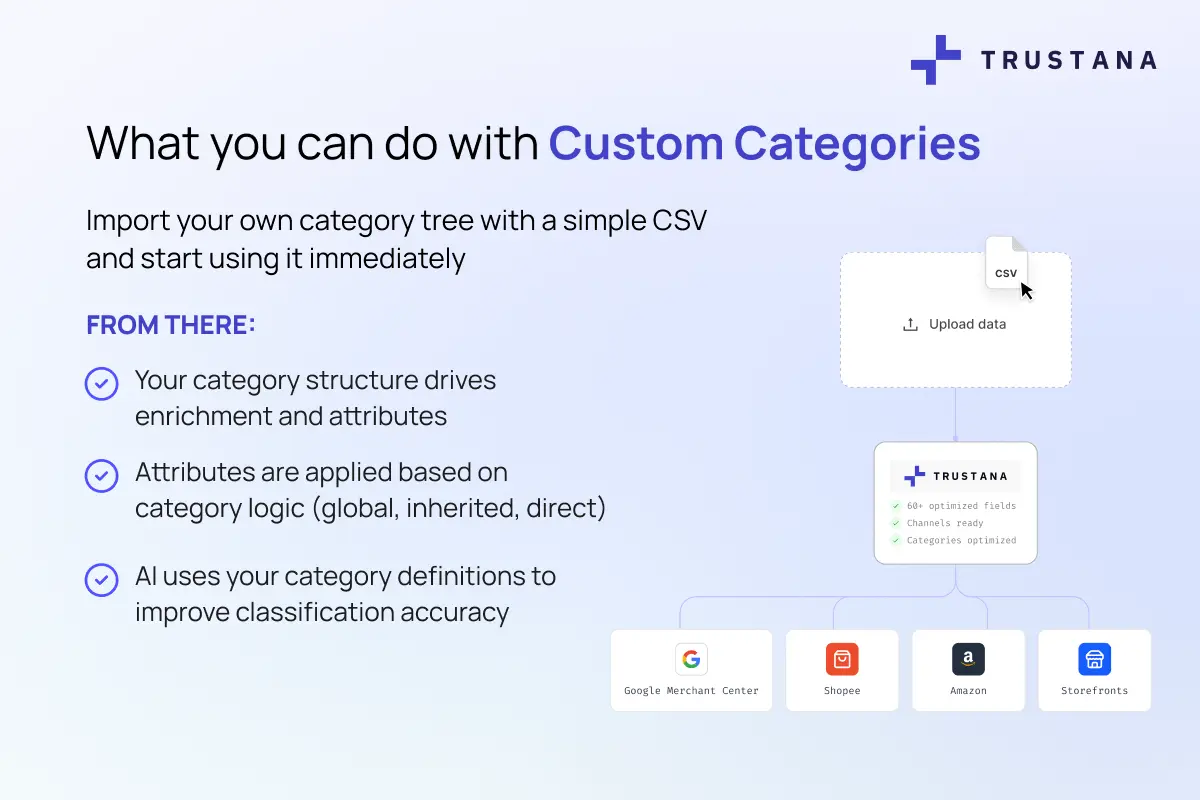
You can also add up to 4 secondary category trees (for Shopify, GS1, marketplaces, etc.), map products across multiple systems without imapcting core structure, and include reference data to guide classificaation.
When it comes to the products themselves, those are assigned to leaf-level categories only, so classification remains clean and consistent.
How to Use Custom Categories
Not every team is starting from scratch. That’s why we included support for custom categories in three modes:
- Google (legacy)
- Transition (both visible)
- Custom (fully migrated)
This way, you can move at your own pace under the guiding philosophy that when your category structure is aligned, everything downstream improves, enrichment becomes more efficient and the AI powering our platform works with greater focus, speed, and accuracy.