
Turn Intelligence
into Action
Build AI agents on trusted catalog and business context to automate the workflows that drive growth.

.webp)
Automate workflows with AI agents for Catalog
Connect your commerce ecosystem. Build trusted intelligence. Take action.
Connect product catalogs, supplier feeds, ERP/PIM/DAM, APIs, documents, and images.

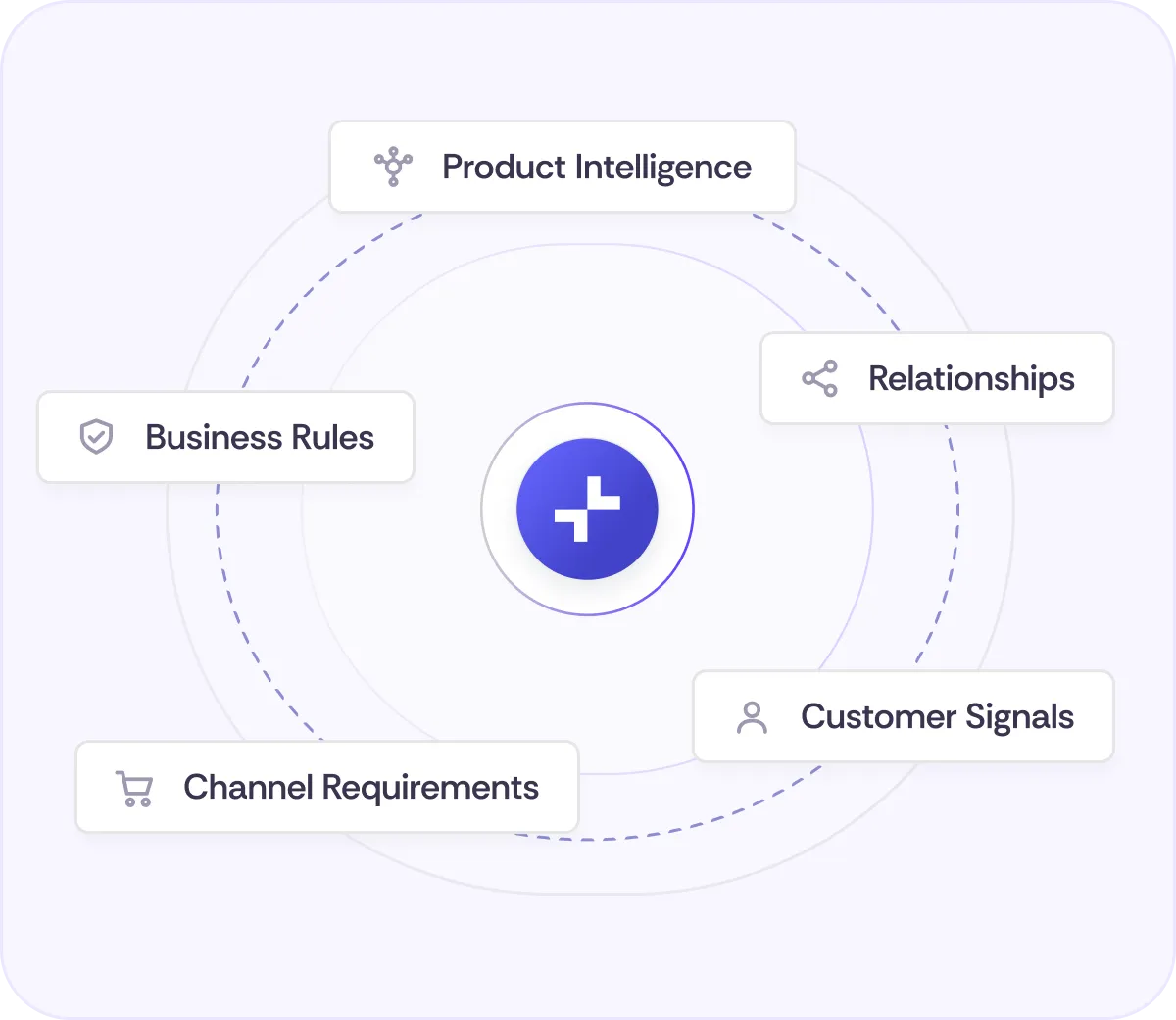
Turn product data, customer and channel signals into trusted context.
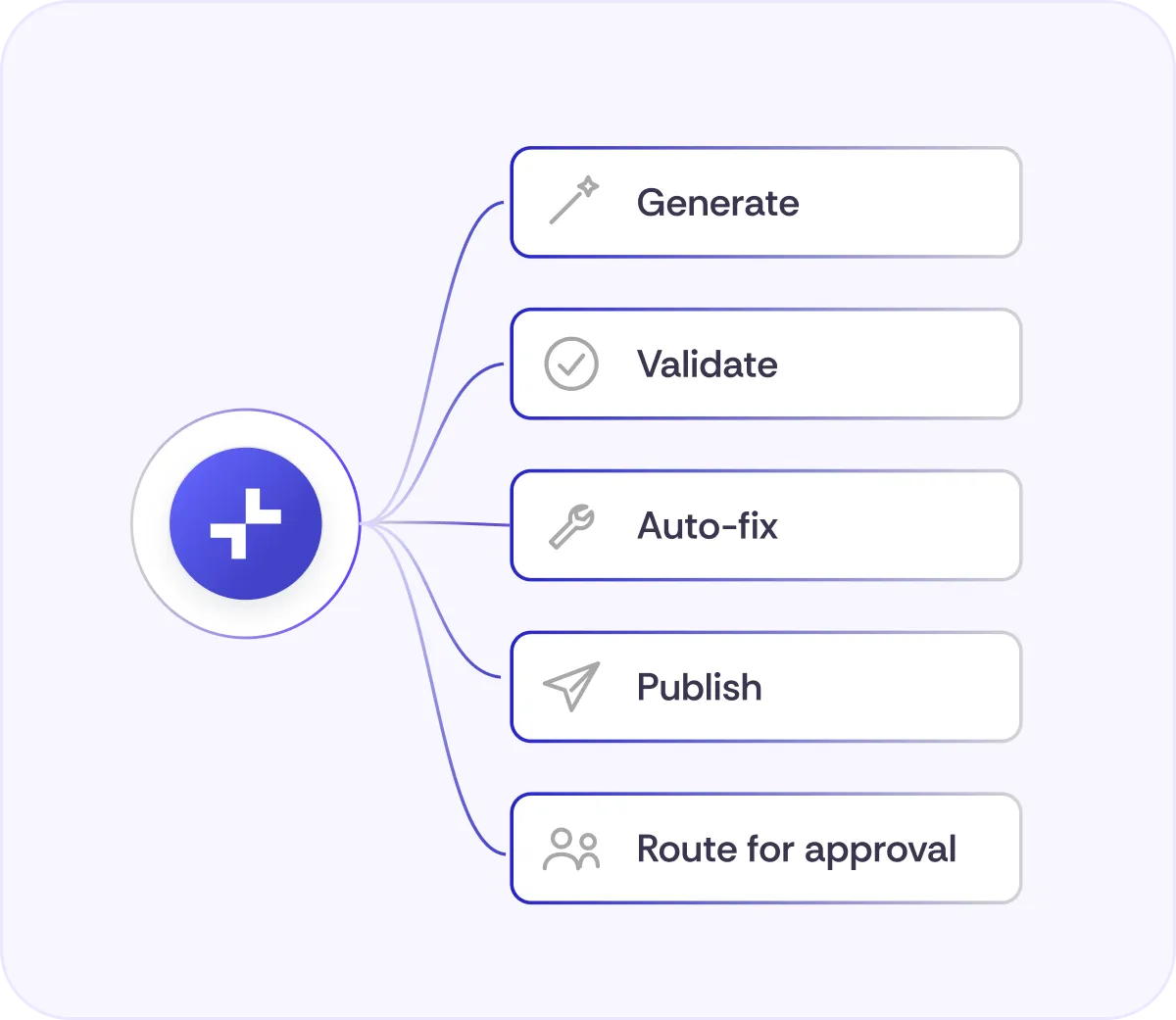
Generate, validate, auto-fix, publish, or route changes for approval.
Everything you need to build commerce agents
Publish clean product data to every channel with the right formats and rules.
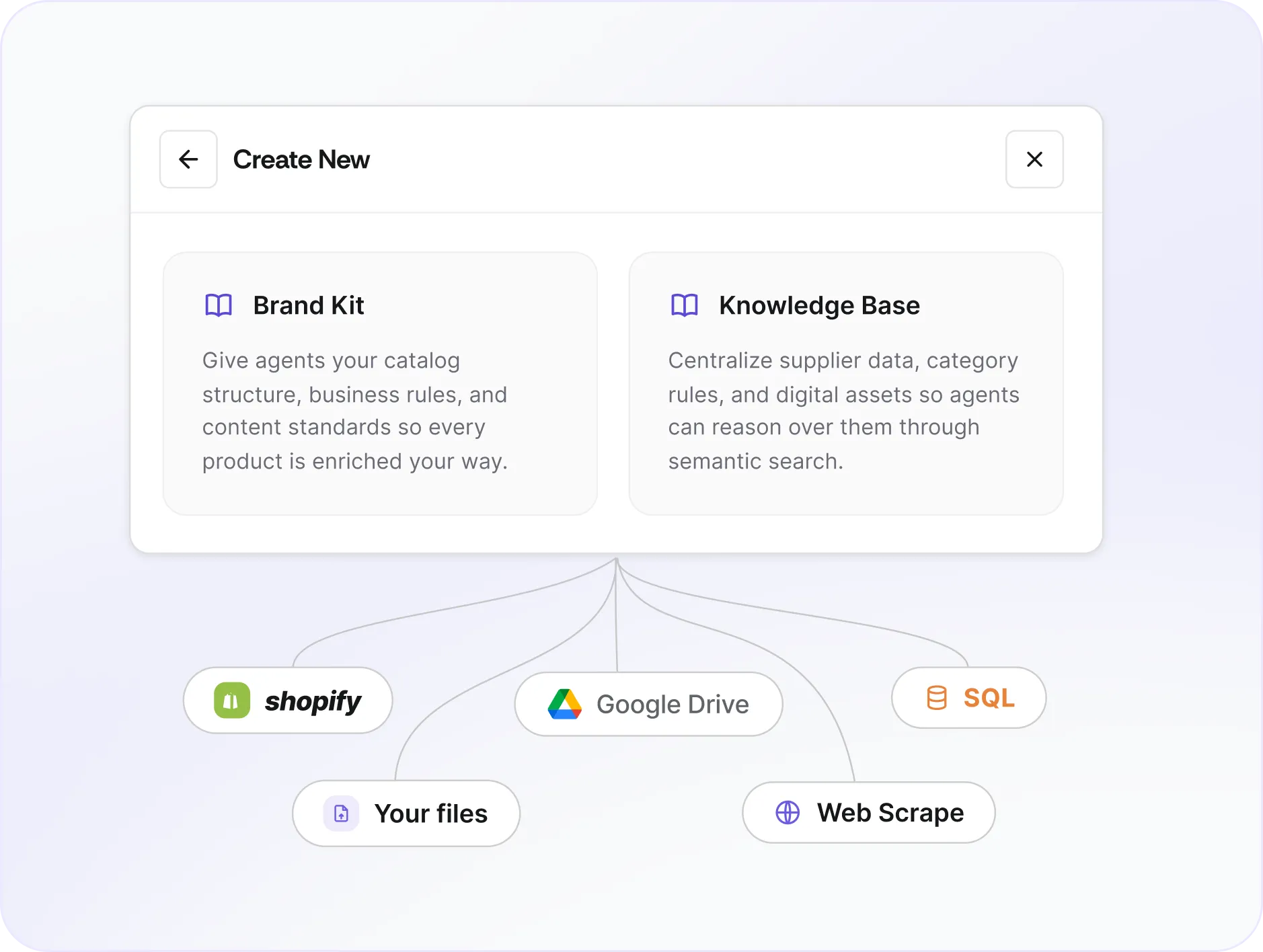
Trusted Commerce Context
Start from your enriched catalog, business rules, product relationships, and workflows already in Trustana.
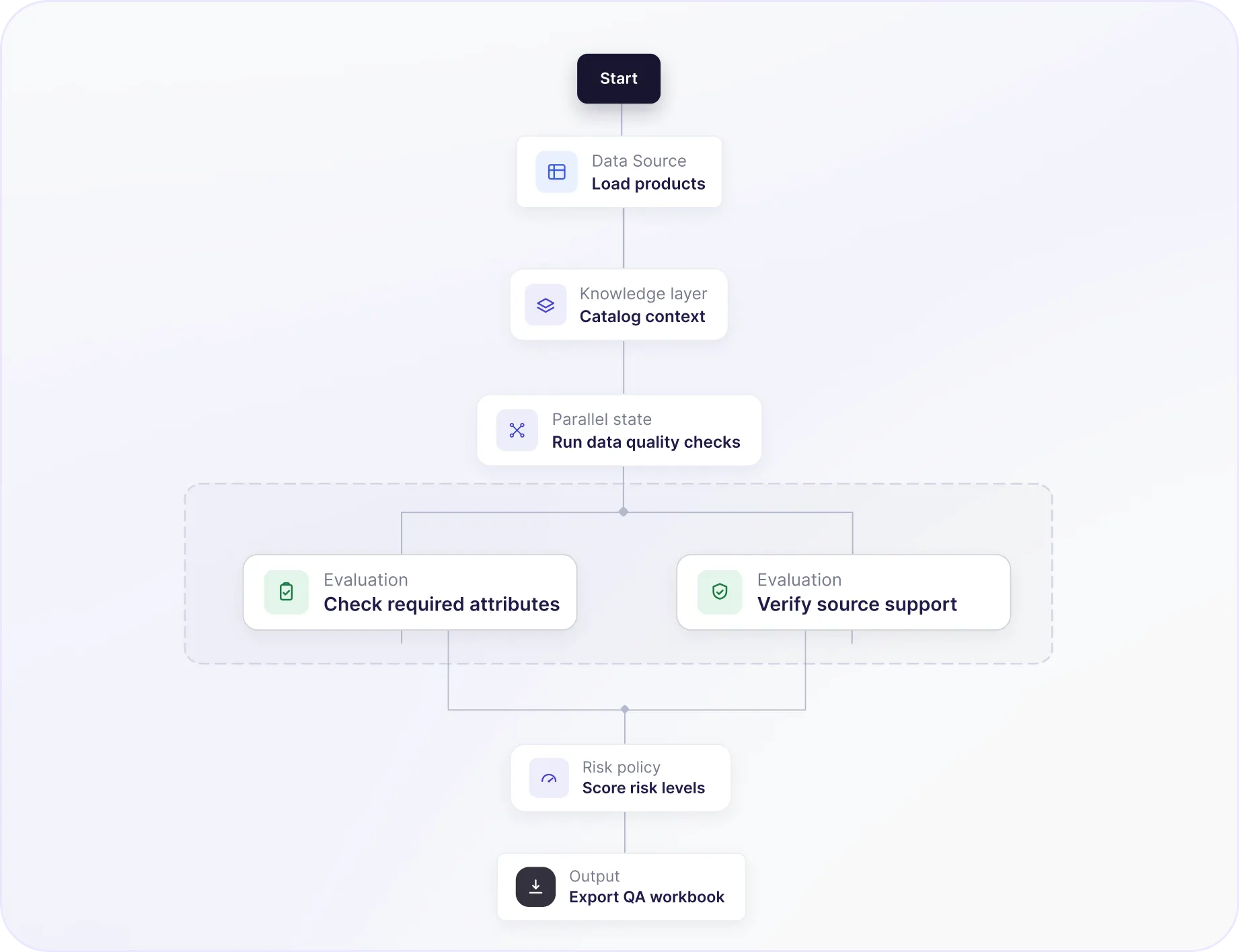
Workflow Studio
Design the steps, approvals, and actions your agents should run.
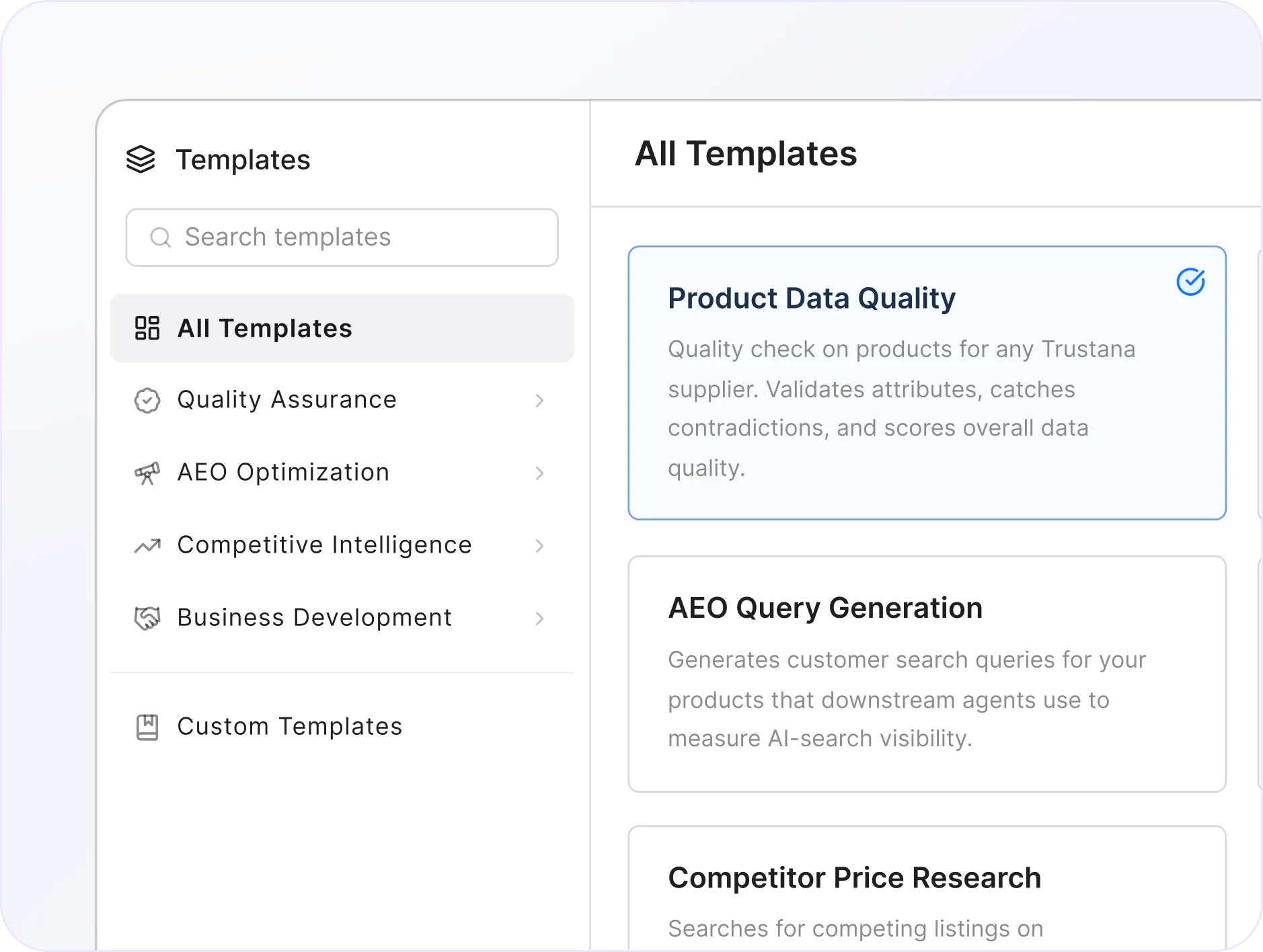
Templates for power use cases
Launch faster with reusable workflows for QA, taxonomy, AEO, and channel optimization.
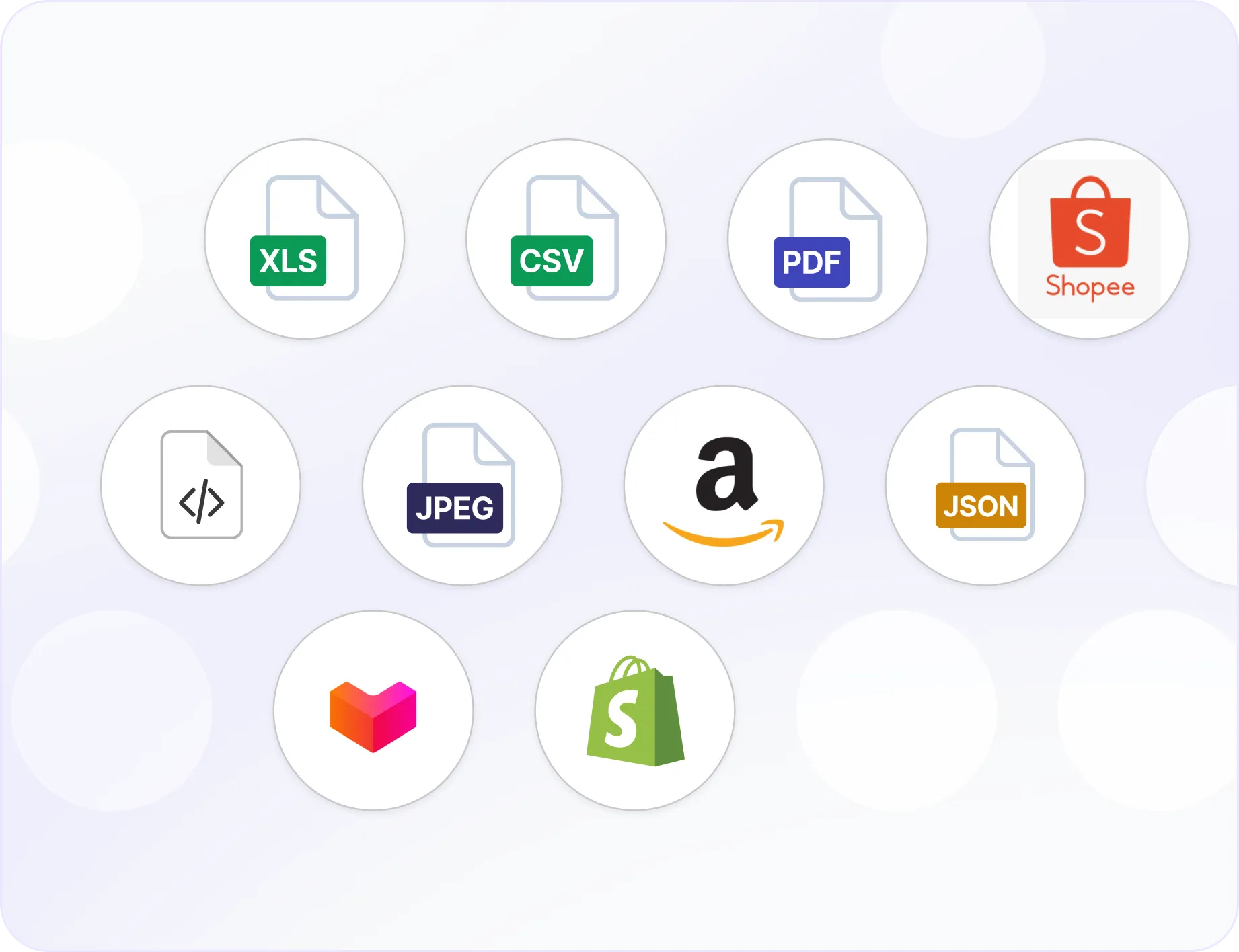
Connectors
Bring data in and sync actions back to the systems where work happens.
Govern every agent action
Autonomy where it fits. Approval where it matters.
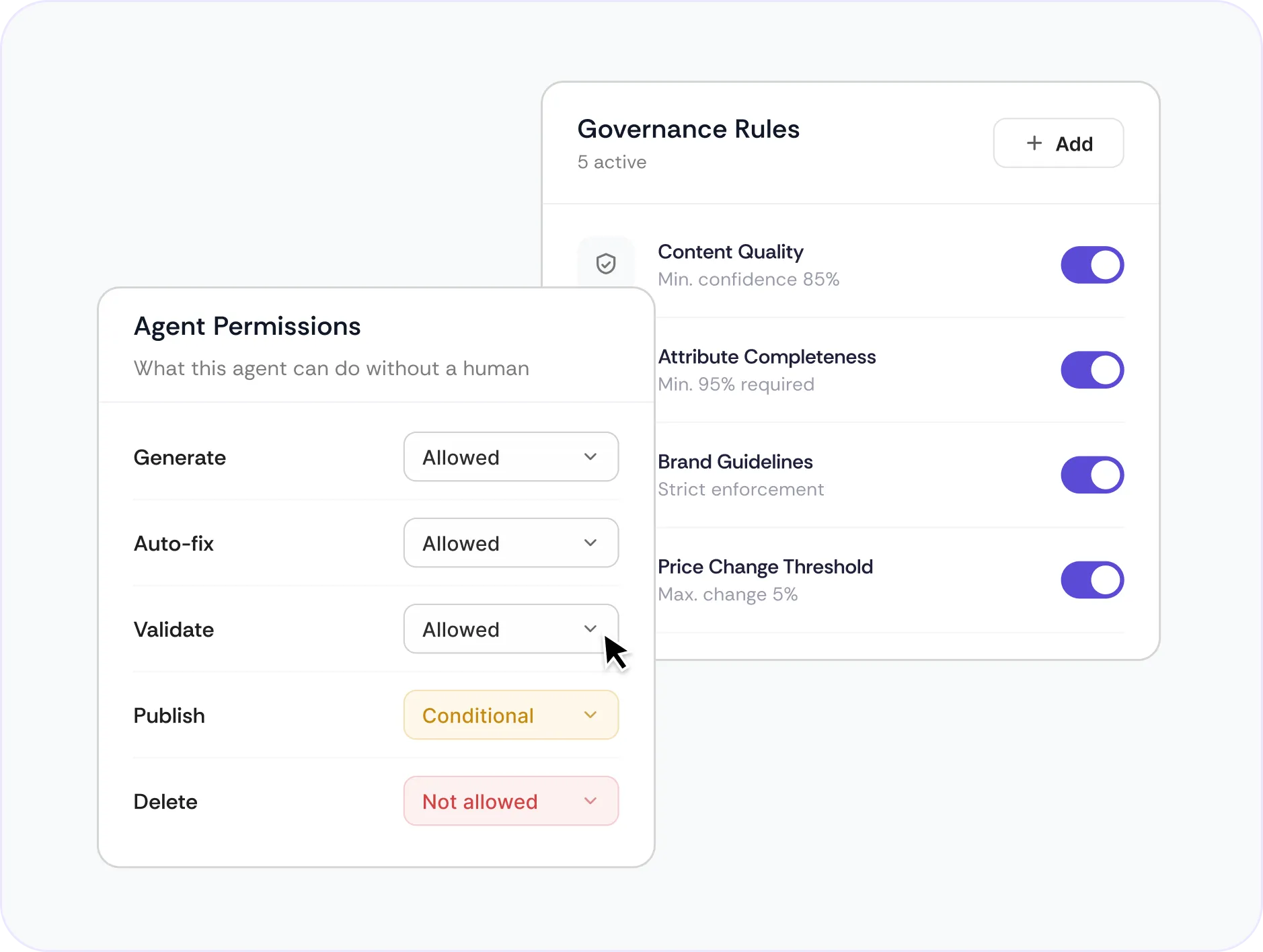
Set permissions, thresholds, and business rules
Set permissions, thresholds, and business rules so agents can generate, fix, validate, and publish approved changes.

Review the decisions that need judgment
Route low-confidence, high-impact, or policy-sensitive actions to the right person before they go live.
Frequently asked questions
How do Trustana agents work with our existing commerce stack?
Trustana agents can connect to your existing catalog, PIM, ERP, DAM, supplier feeds, documents, APIs, and commerce channels. They use this information as operational context, then return results or trigger actions in the systems where your teams already work.
Which commerce workflows can agents automate?
Agents can support product quality assurance, enrichment, taxonomy optimization, channel readiness, AEO, competitive intelligence, pricing analysis, and other repeatable commerce workflows. You can start with Trustana templates or configure workflows around your own business rules and operating processes.
How much control do we have over agent actions?
You define what each agent can access, which actions it can take, and when human approval is required. Agents can operate in review-only, approval-based, or automated modes depending on the workflow, risk level, and confidence threshold.
How does Trustana manage uncertain or conflicting information?
Agents evaluate outputs against your source hierarchy, business rules, validation criteria, and confidence thresholds. When information is incomplete, contradictory, or below the required quality bar, the result is flagged and routed for review rather than automatically published.
Can agents publish directly to commerce channels?
Yes, where the required connector and permissions are enabled. Teams typically begin with reviewed outputs and progressively automate lower-risk actions as performance is validated. High-impact changes can remain approval-gated.
How is agent quality measured?
Quality is evaluated against your products, rules, and expected outputs. Trustana can track validation results, confidence, exceptions, reviewer decisions, and workflow outcomes so you can measure performance over time.
Which AI models power Trustana agents?
Trustana can use different models for different workflow steps based on accuracy, cost, latency, and task requirements. Models are continuously evaluated, and they can be upgraded or replaced without requiring you to redesign the underlying workflow.
Can agents operate across multiple brands, markets, and channels?
Yes. Agents can apply different rules, content standards, taxonomies, languages, and channel requirements by brand, category, market, or destination. This allows teams to standardize operations without forcing every part of the business into one configuration.
How do we get started?
Most teams begin with a defined workflow and a representative product dataset. Trustana configures the relevant context, rules, validation criteria, and approval process, then evaluates the agent with your team before expanding its scope or level of autonomy.
See an agent run on your data
.png)